Follow the steps below to cancel a scheduled payment on myEssex:
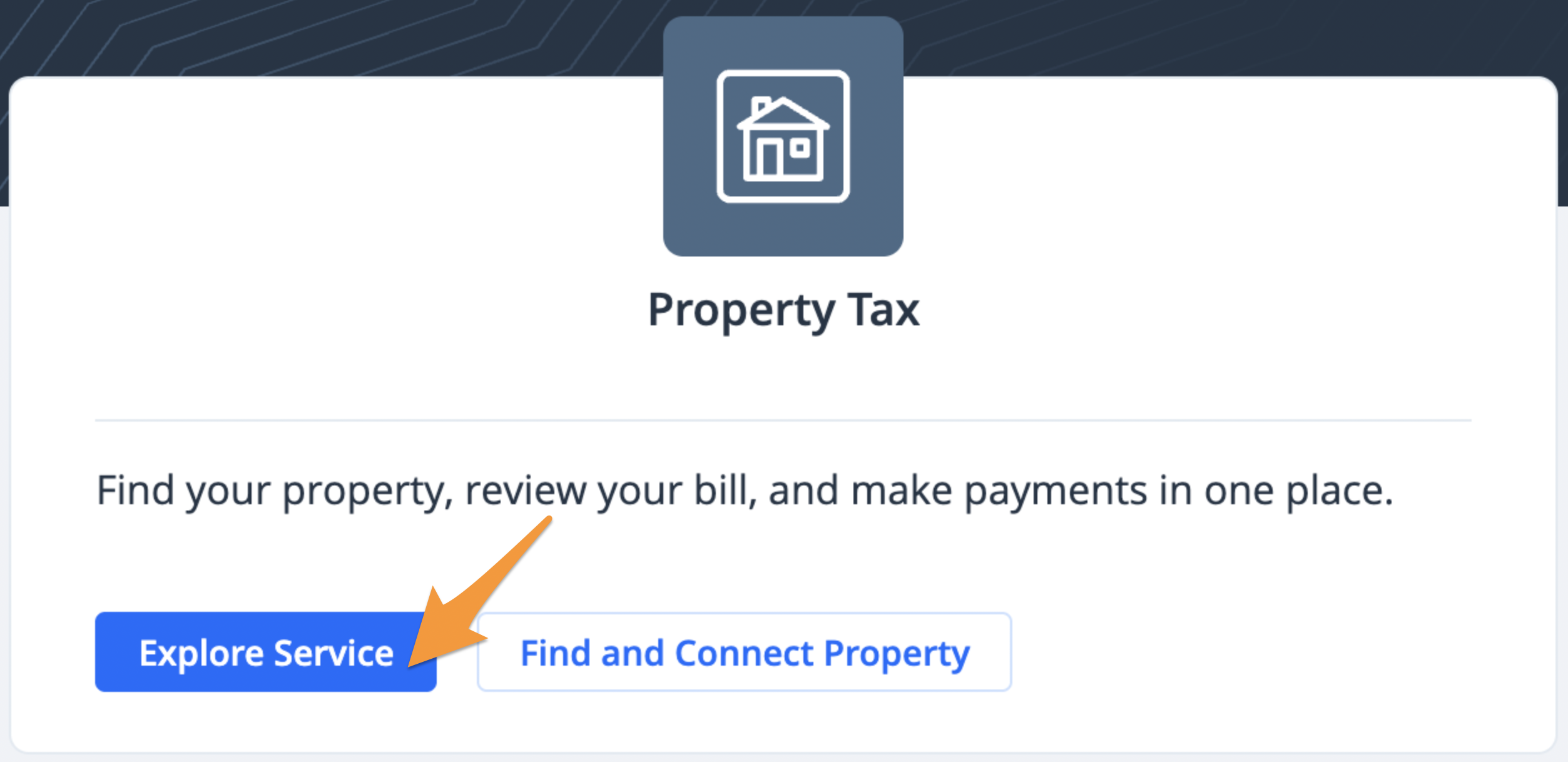
1. Sign in to your myEssex profile and click Explore Service under "Property Tax"
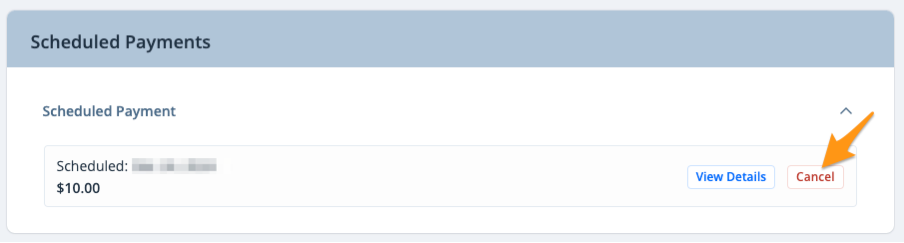
2. Scroll down to the "Scheduled Payments" section and click Cancel next to the applicable scheduled payment
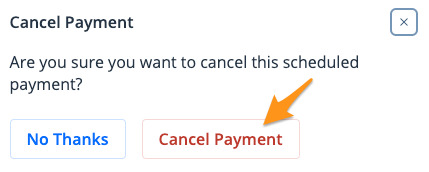
3. Click Cancel Payment to confirm